People
Mass Email
Get started sending emails to multiple people at once
Mass email
Steps to send an email to multiple recipients:
- Create a template https://cloud.treqit.com/templates
- Go to the people section https://cloud.treqit.com/people/all
- Choose the
Alloption in the paging drop down menu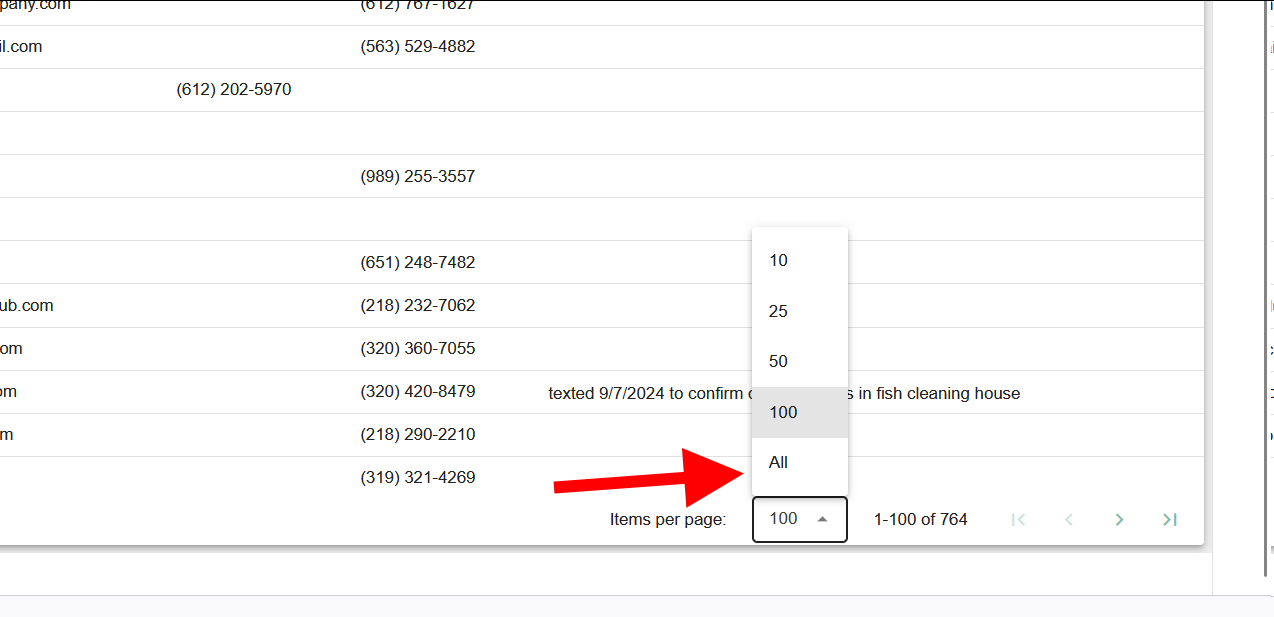
- Select the recipients by either using
control key + A keyor click the check box in the header of the table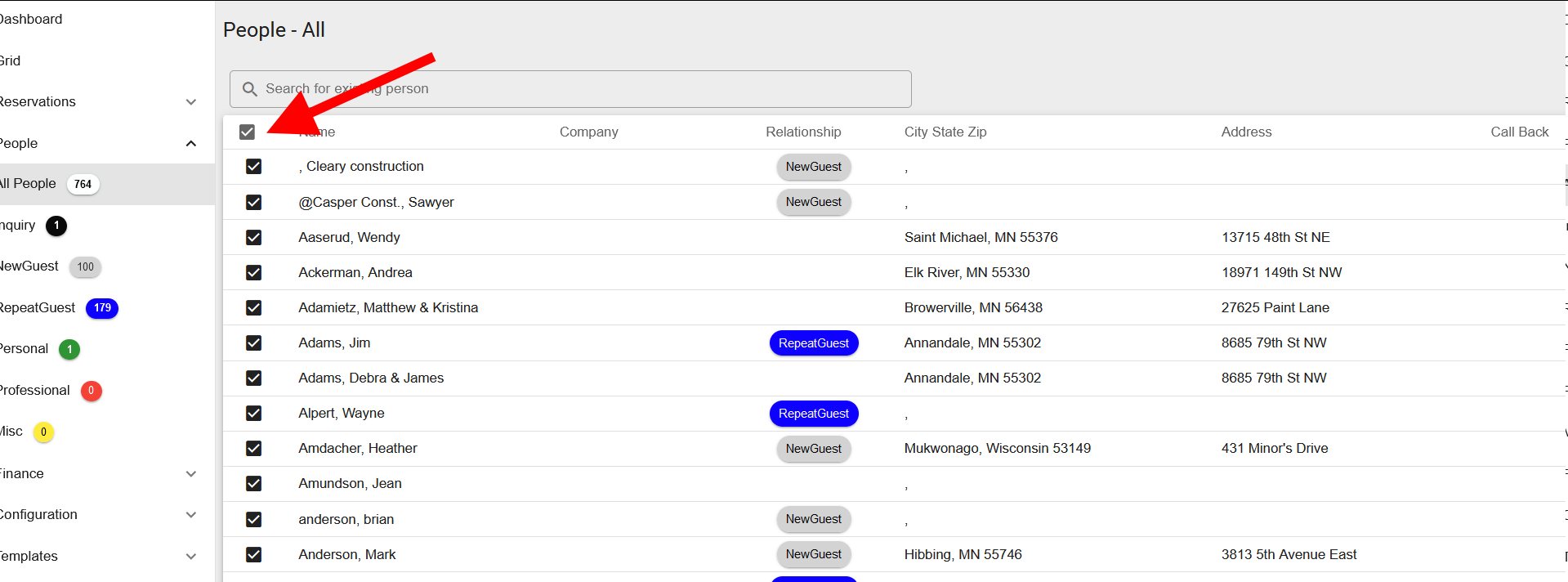
- Right click on the table and choose the
Email menuand then select the template in the menu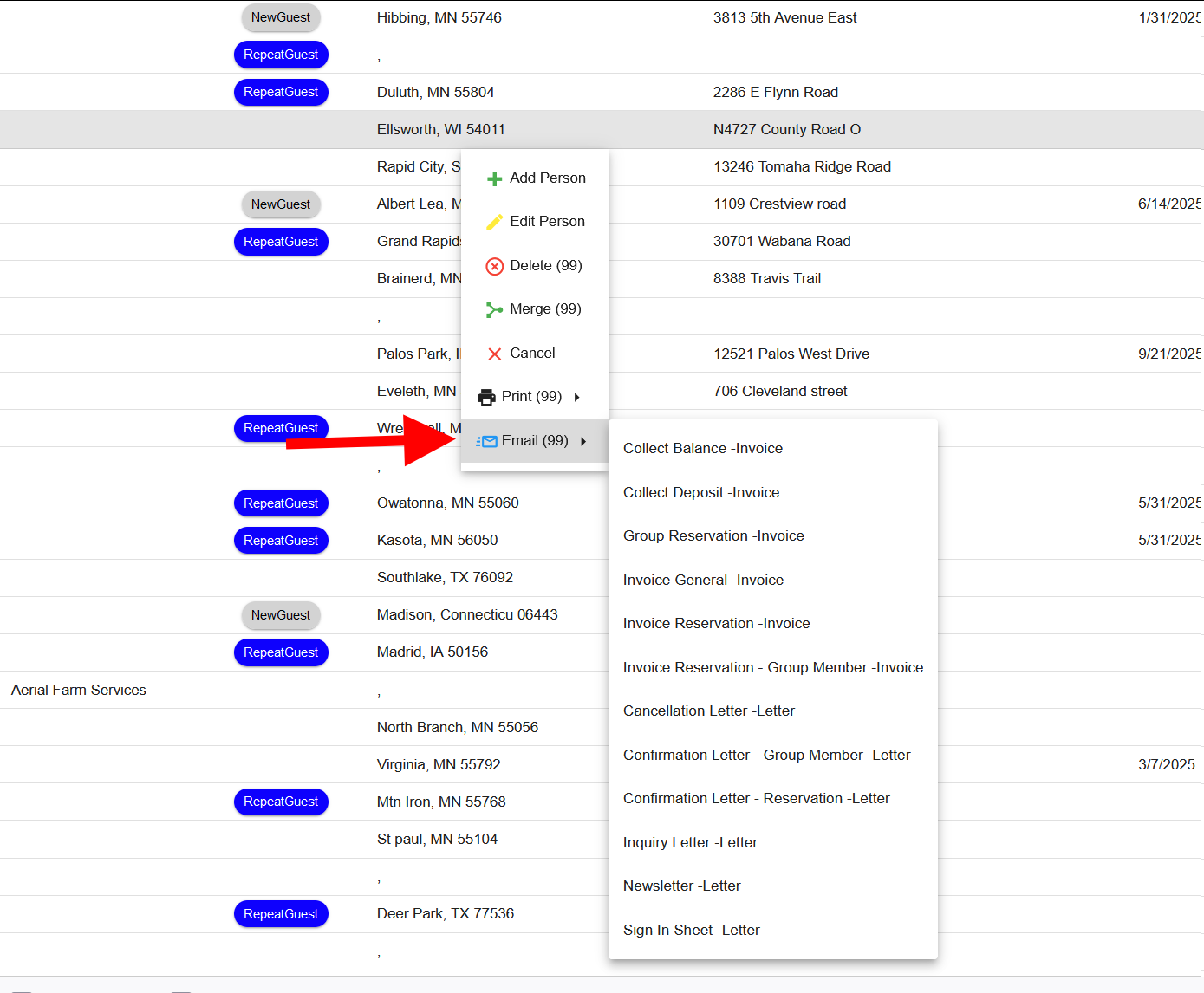
That's it! A progress bar will indicate the sending is in progress or complete